

For many creators, small businesses and solo founders, the old idea of building a full website first and worrying about everything else later is starting to feel outdated. Social platforms now act as the primary shop window, and creator link pages are quietly becoming the new homepage of the internet.
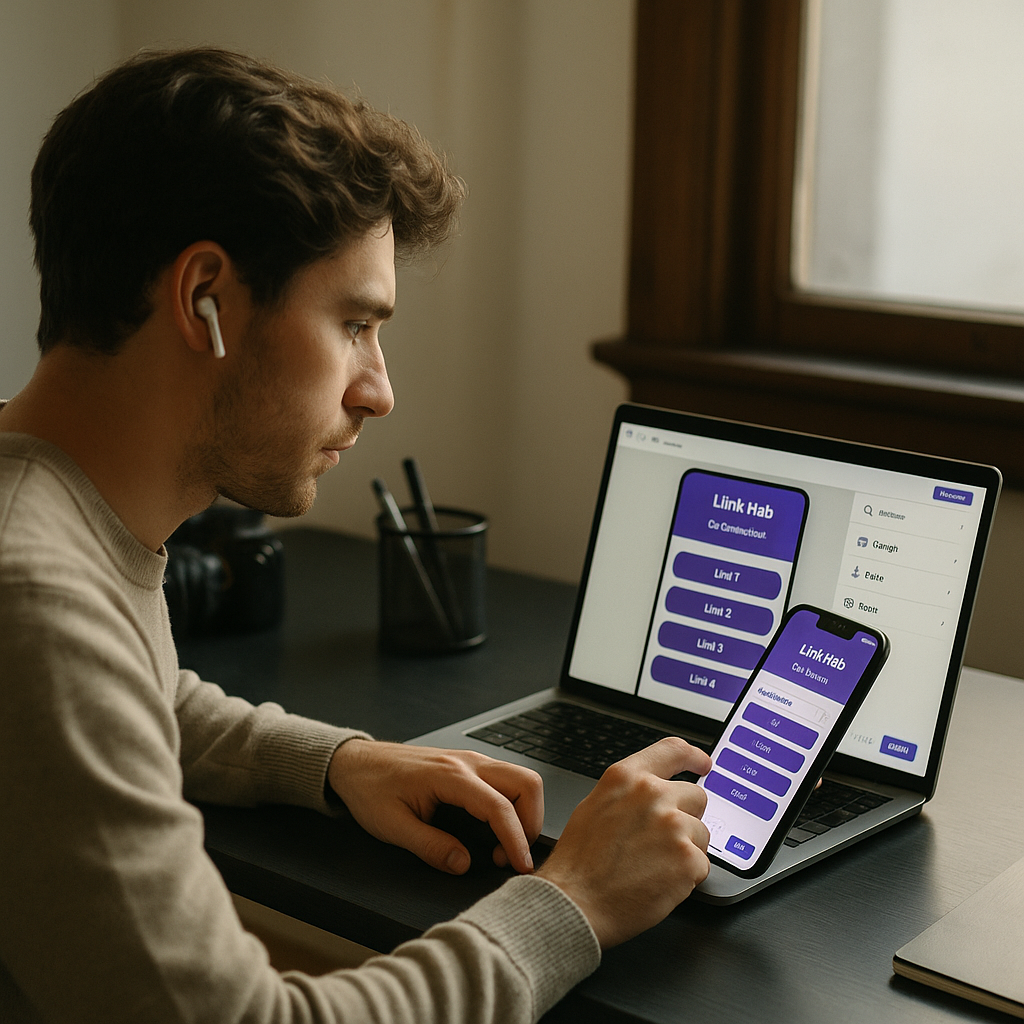
These compact, mobile-friendly hubs sit between your social profiles and everything you want people to see: products, sign-up forms, articles, videos, podcasts and more. As attention spans shrink and platforms fight to keep users inside their own apps, these link hubs are evolving fast and reshaping how we think about online presence.
From static websites to social-first hubs
Traditional websites were designed for laptop screens and patient visitors. Today, most discovery happens on mobile, in seconds, via social feeds and short-form video. People tap a profile, glance at the bio, and decide instantly whether to click any further.
That is where creator link pages come in. Instead of sending someone to a cluttered homepage, you send them to a focused, curated hub that answers three questions immediately:
- Who are you?
- What do you offer?
- What should the visitor do next?
This clarity is powerful. It respects short attention spans, works across every social platform, and can be updated in seconds without redesigning a full website.
Why creator link pages matter for personal brands
For personal brands, these pages are more than just a list of URLs. Used well, they act as a mini brand experience:
- Consistent visuals that match your social profiles, so followers know they are in the right place.
- Clear hierarchy that highlights one or two key actions, such as booking a call, joining a newsletter or buying a flagship product.
- Social proof in the form of testimonials, media logos or follower counts.
Instead of scattering your audience across multiple disconnected pages, you give them a single, memorable destination that can grow with you.
Monetisation and analytics in one place
The most interesting trend is how creator link pages are becoming lightweight business dashboards. Many tools now offer built-in features such as:
- Payment buttons for digital downloads, tipping or paid consultations.
- Email capture so you can grow a newsletter directly from your social traffic.
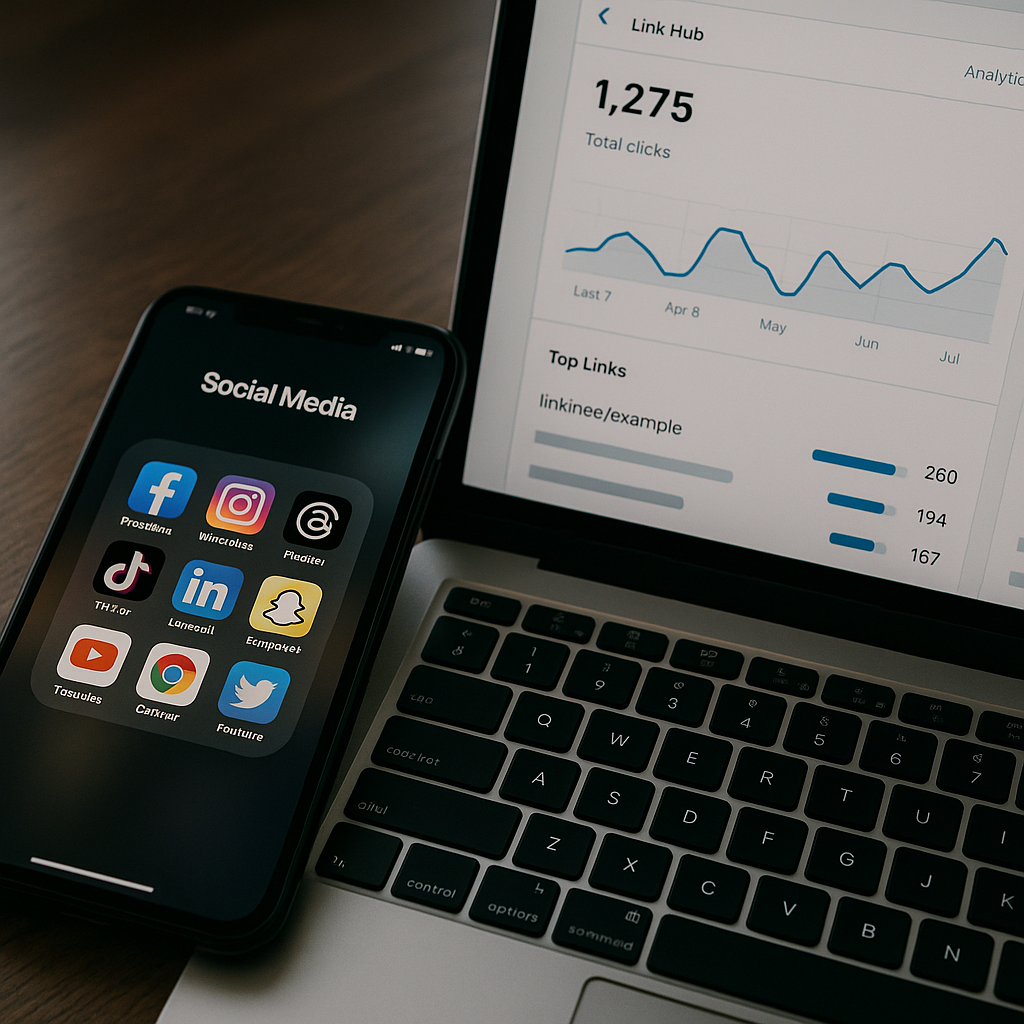
- Analytics that show which buttons get the most clicks, which platforms send the most visitors, and when your audience is most active.
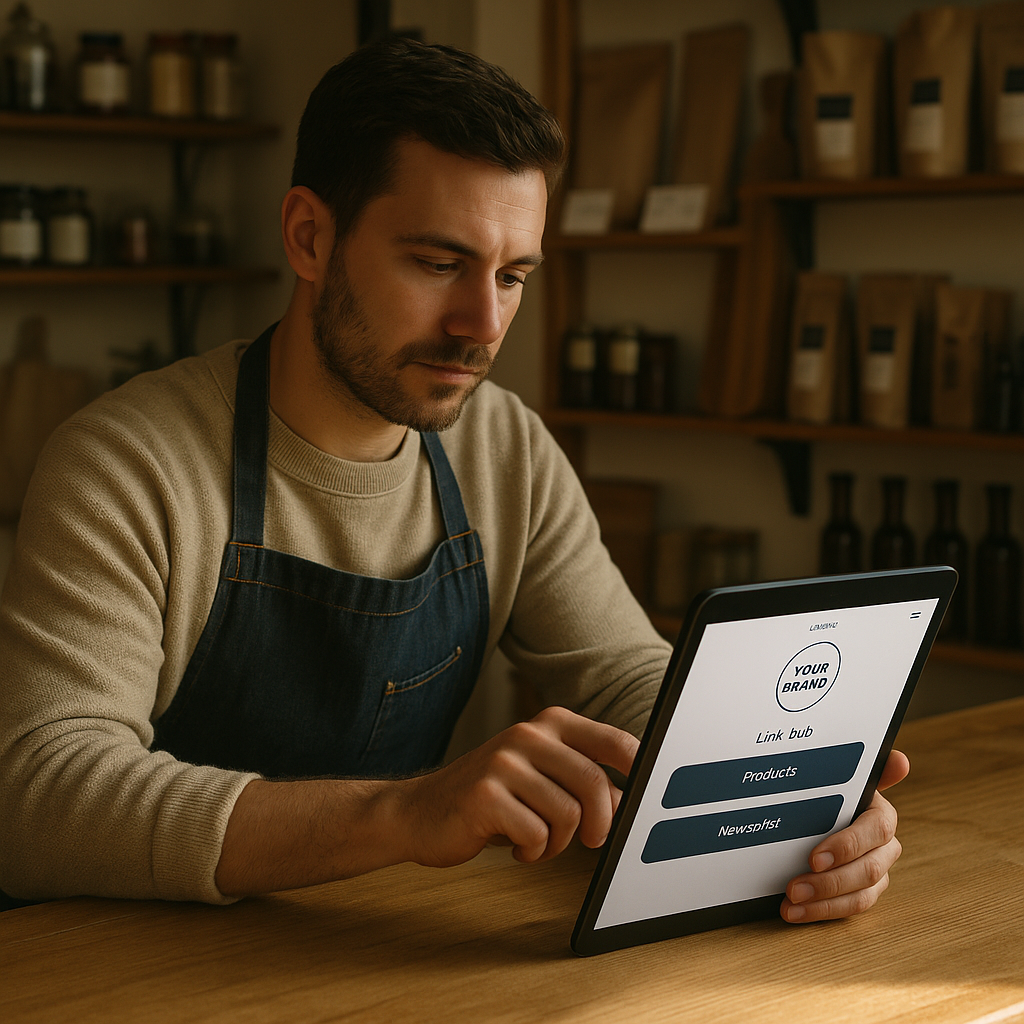
For creators who are not ready for a full-blown ecommerce site or CRM, this is a simple, low-friction way to start treating their online presence like a serious business.
Owning your audience in a platform-dependent world
One of the biggest risks for creators is relying on a single platform. Algorithms change, accounts get restricted, and overnight reach can plummet. A well-structured link hub helps reduce that risk by:
- Encouraging followers to join owned channels like email lists or private communities.
- Spreading attention across multiple platforms, such as YouTube, podcasts and blogs.
- Making it easy to move your audience if you change focus or rebrand.
In other words, the humble link page becomes a small but important insurance policy against platform volatility.
What makes a high-converting creator link page?
Not all creator link pages are equal. The most effective ones tend to share a few traits:
- One primary call to action at the top, with supporting options below.
- Minimal clutter – five to seven links is usually enough.
- Mobile-first design that loads quickly and looks clean on small screens.
- Regular updates so the page always reflects your current priorities.
It is also worth experimenting. Swap the order of your links, test different button labels, and pay attention to which offers resonate with your audience.
Choosing tools for your link strategy
There is now a crowded ecosystem of platforms that help you build these pages, each with its own strengths. Some focus on deep analytics, others on aesthetics, and others on advanced features like email marketing or digital product delivery. When comparing options, think about where you want your online presence to be in a year or two, not just what you need this week.
Creator link pages FAQs
Do I still need a full website if I use a link page?
A full website is useful if you publish in-depth content, need complex functionality or want maximum control over your branding. However, if you are early in your journey or mainly active on social media, a well designed link page can act as a lightweight homepage while you grow. Many creators start with a link hub, then expand to a full site once their offers and audience are more established.
How many links should I include on my link page?
Including too many options can overwhelm visitors. Aim for one primary call to action at the top, supported by a small number of secondary links. For most people, five to seven links is a good balance between choice and clarity. Review your page regularly and remove anything that no longer aligns with your current goals.
How can I drive more clicks from my creator link pages?
Start by making sure your bio on each platform clearly explains who you help and what visitors will gain by tapping your link. On the page itself, highlight a single main offer above the fold, use short, benefit driven button labels, and keep the design clean and readable on mobile. Check your analytics weekly, move the best performing links higher, and test small changes to wording or order to steadily improve your click through rates.
Leave a Reply